Driving School
https://tests.rijschoolpolska.nl
Driving School is a project made learning Laravel and Vue basics for a friend who runs a driving school in the Netherlands in Polish. A generally similar tool for learning theory already exists on the Dutch market but has numerous translation errors in the Polish version. The purpose of creating a learning platform is to have full control over translations, all language versions of questions and answers in quizzes are entered by the platform owner.
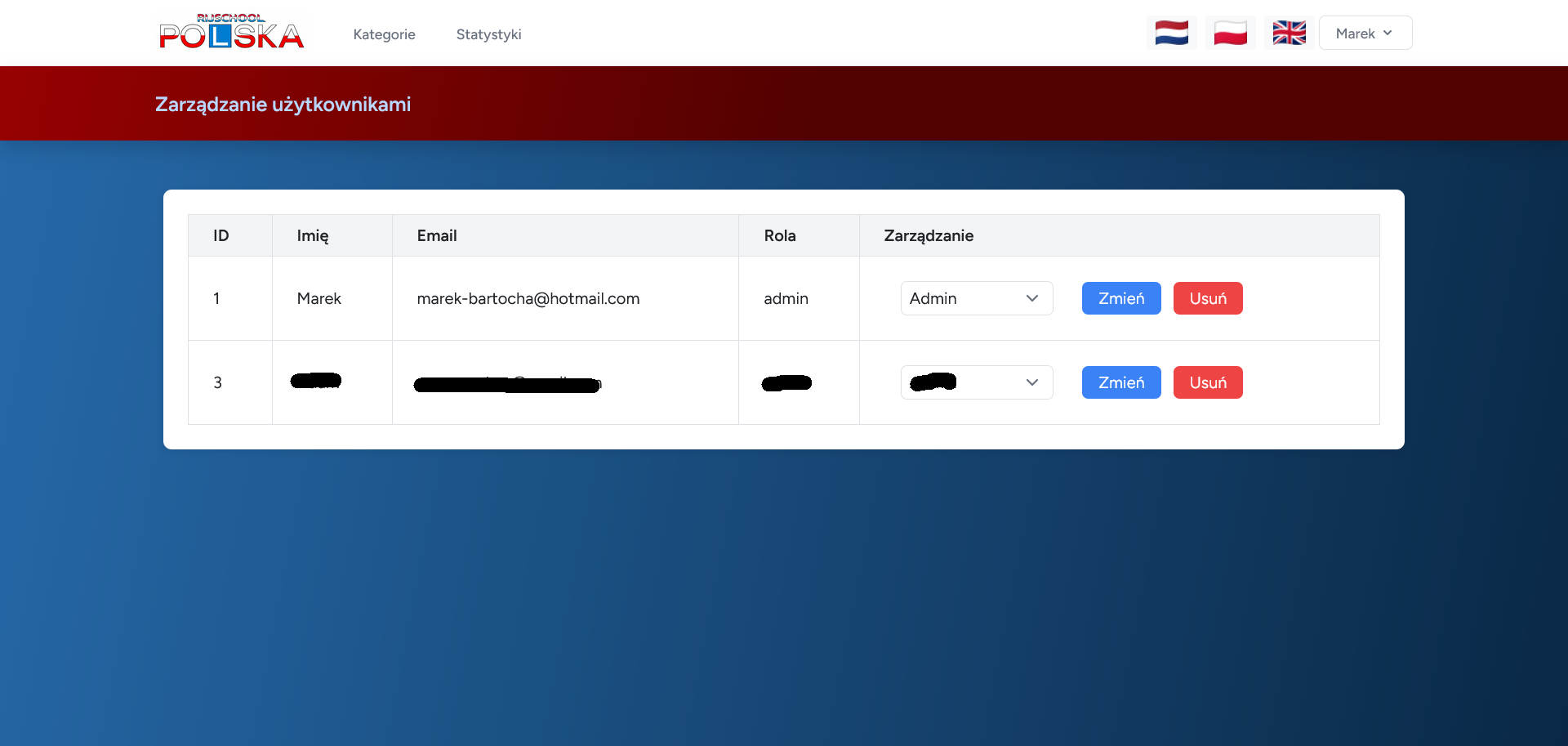
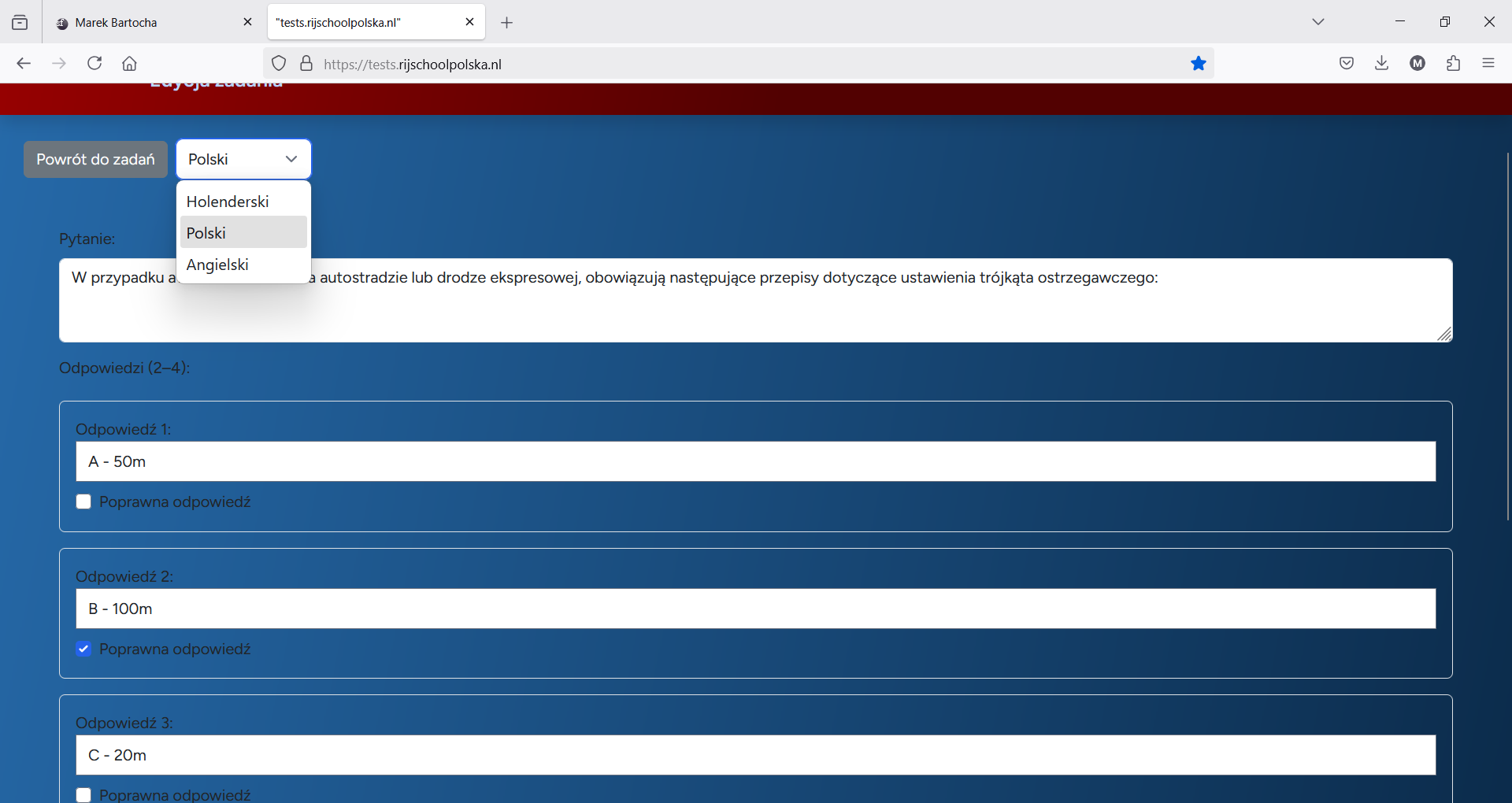
For easy management, I created an admin panel in which you can manage user accounts after by assigning roles such as user, premium, admin and you can manage quizzes. In the management panel you can add, delete and edit categories and quizzes in a category. All the contents of the category name, quizzes (questions and answers) are entered separately for each language version using the drop-down list for language selection.
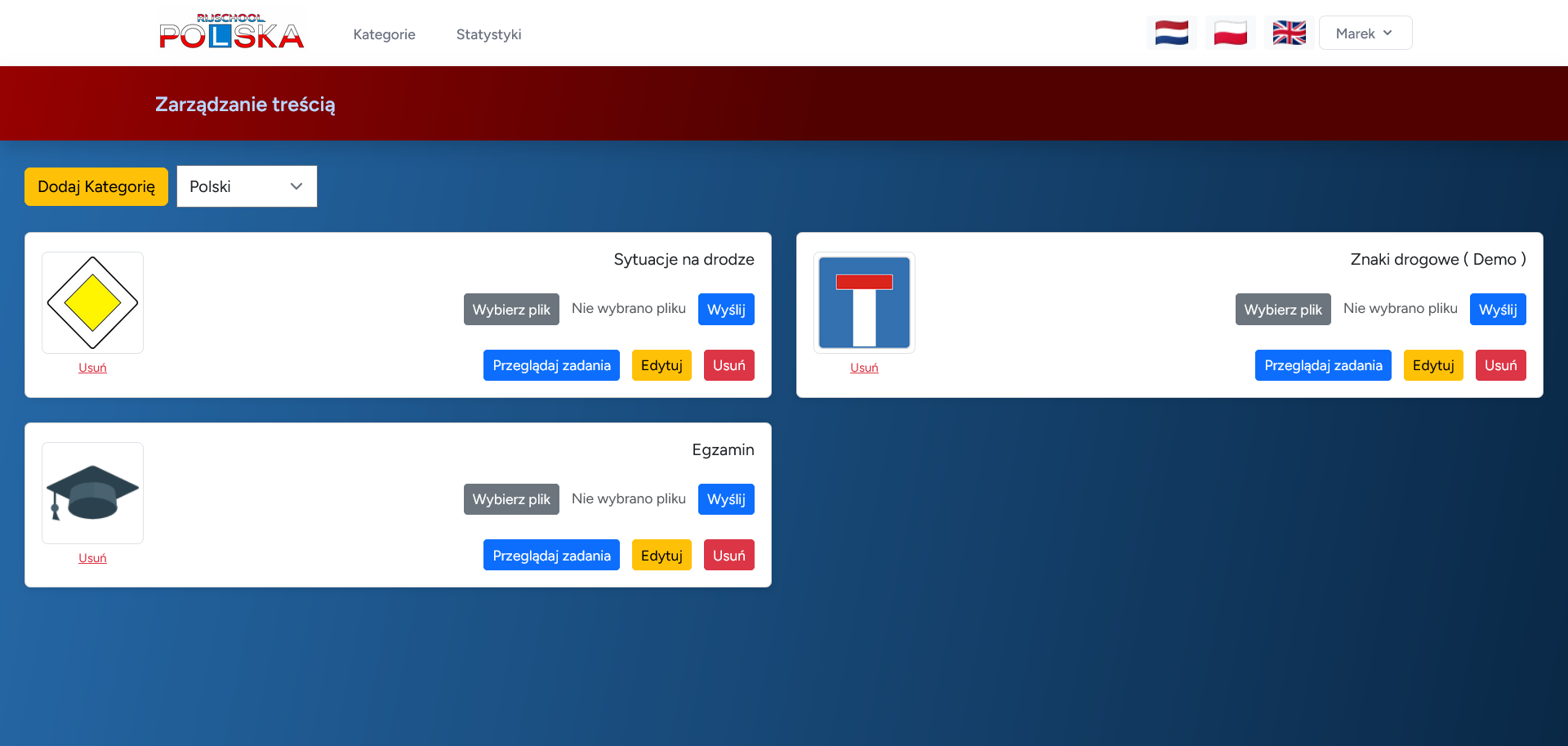
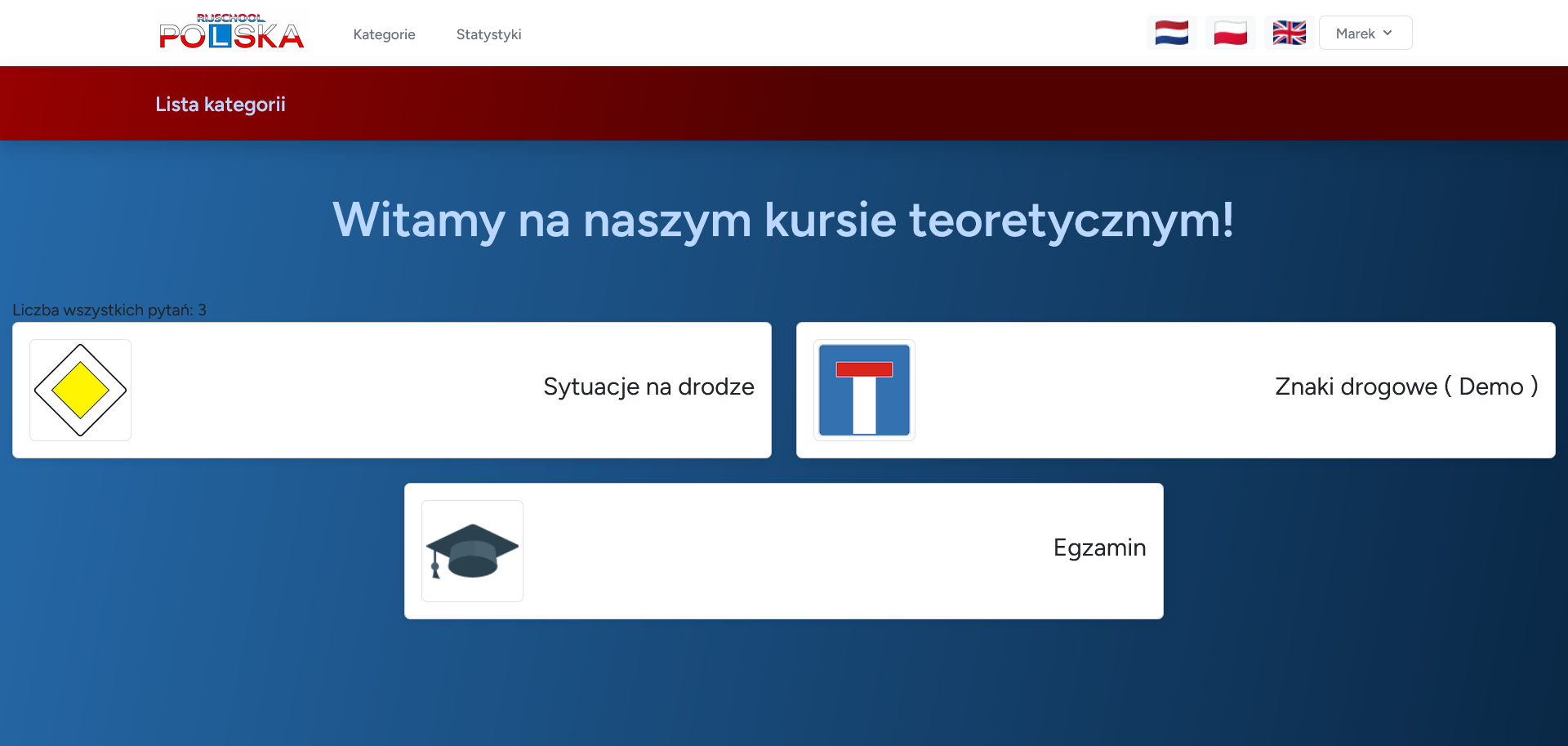
There are three types of categories: demo, regular and exam. If you want a category to be available for every "user" it is enough to add a keyword in the category name (Demo). The other types of categories are available only for "premium" users. If you want to create a category exam we give simply the name of the category "Exam" the script recognizes the keywords and treats the category accordingly. Learning is based on solving quizzes by selecting
Questions are displayed asynchronously in a modal window from the object that is created when selecting a category on the backend. The questions can be scrolled back and forth and in the last 10 questions there will be a "Summary" button. After going to the summary you will see the result of our quiz , which is saved in the database. The system allows for several correct answers in one question. During the learning process, if you choose 1 wrong answer, you will be blocked from giving answers in the given question, you will be shown a message with a red background explaining why the answer is wrong, and the task will not be completed.
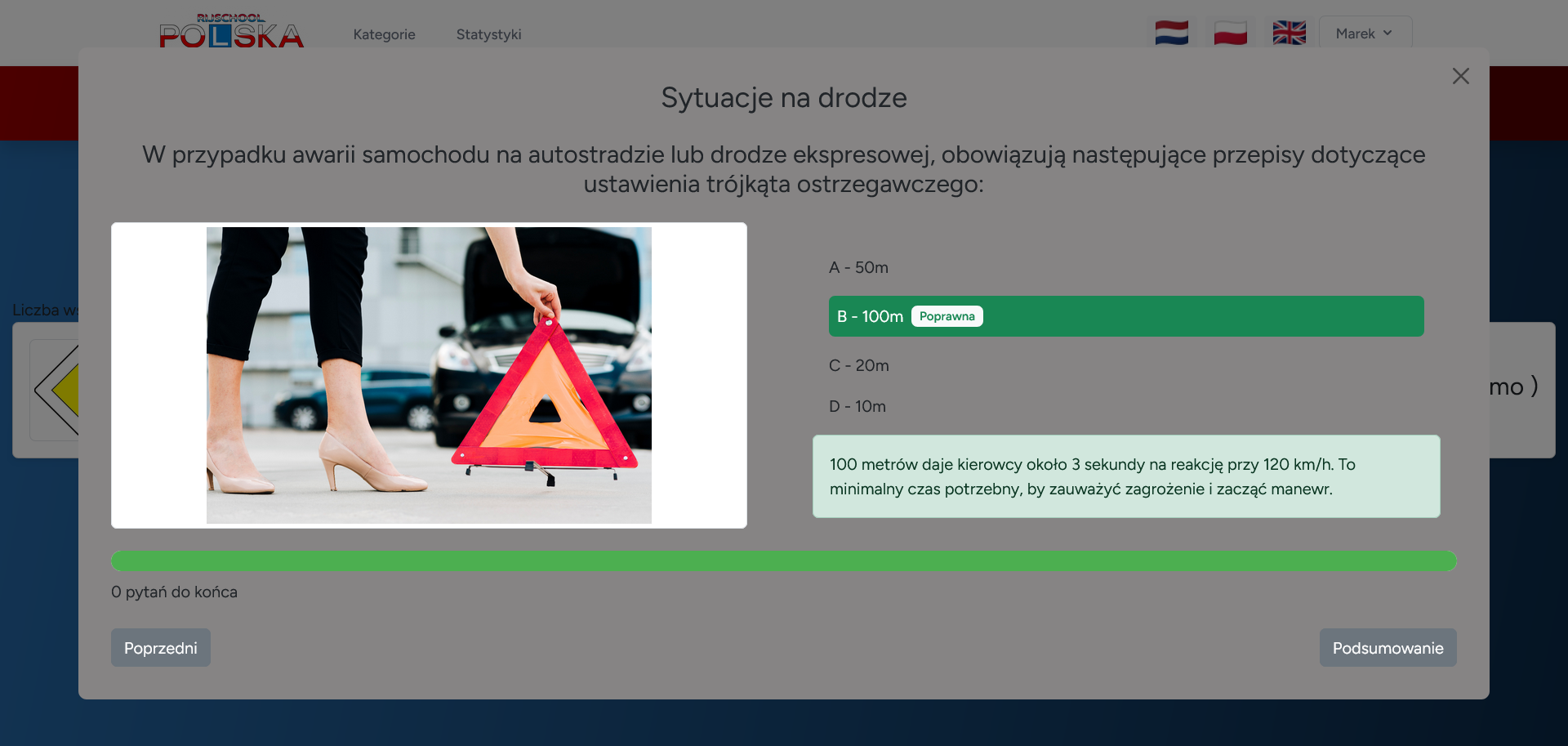
In the case of selecting the correct answer, if it was the only correct answer, then giving further answers is blocked and displays on the green background an explanation why it was the correct answer. In the case of multiple correct answers, the blocking and display of the explanation takes place when all correct answers are selected.
When starting the exam, 50 questions from all categories are drawn at random, taking from each category an equal number of randomly selected questions. As in the exam we can go to the next questions and come back with the difference that there is no error after choosing correct or wrong answer, similarly there is no instruction. You can simply uncheck the marks and when you reach the last question you will see the "Summary" button, which you can use to finish the exam simulation.
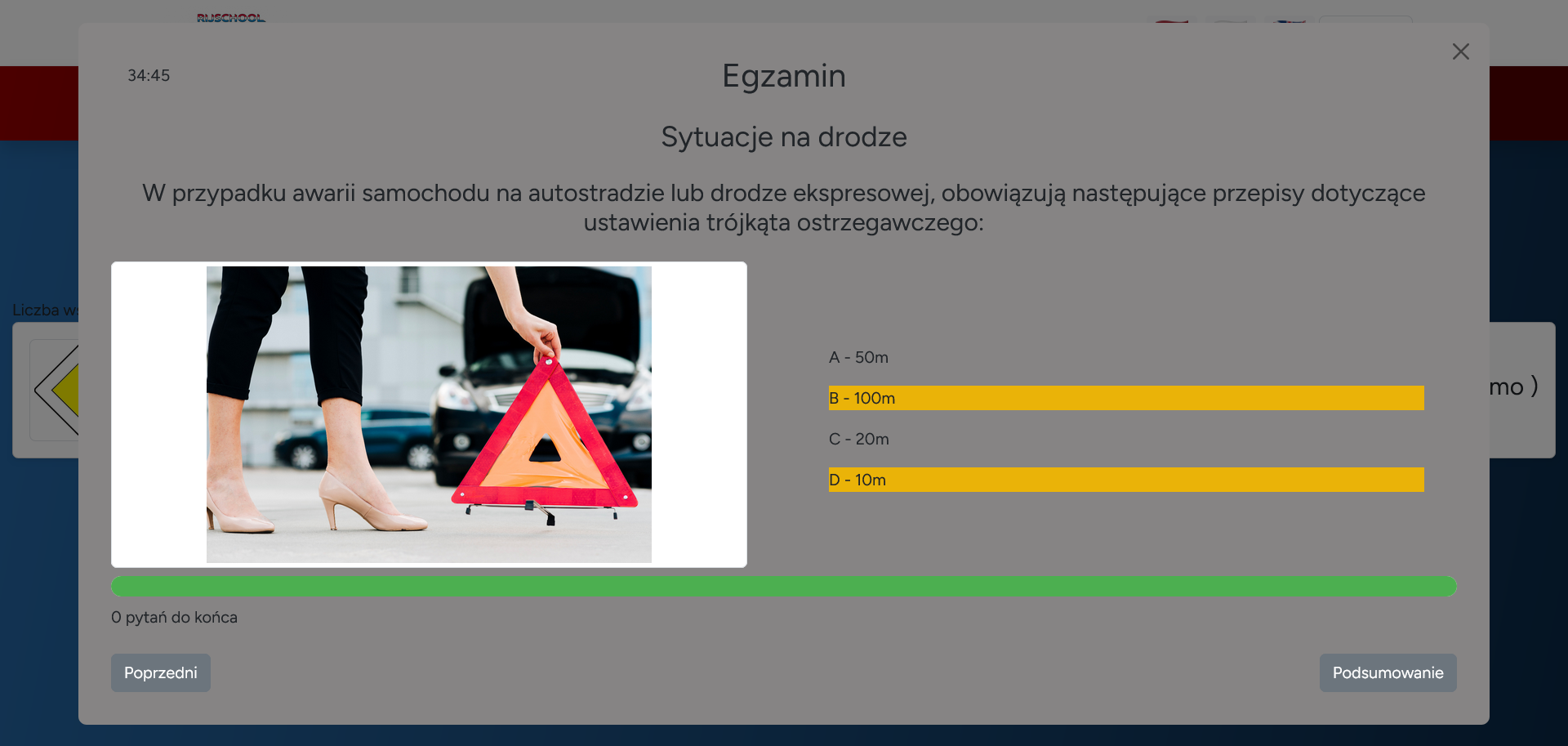
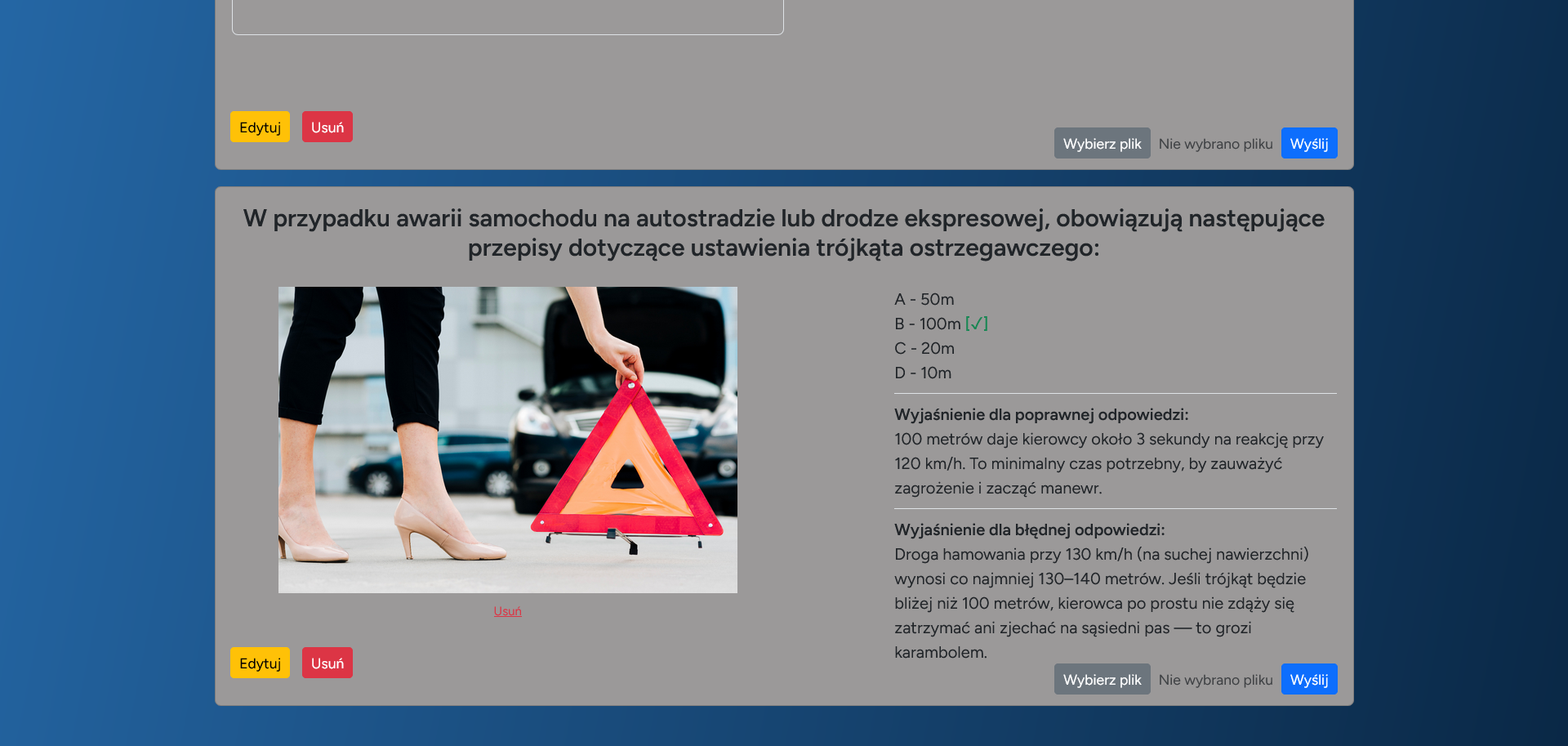
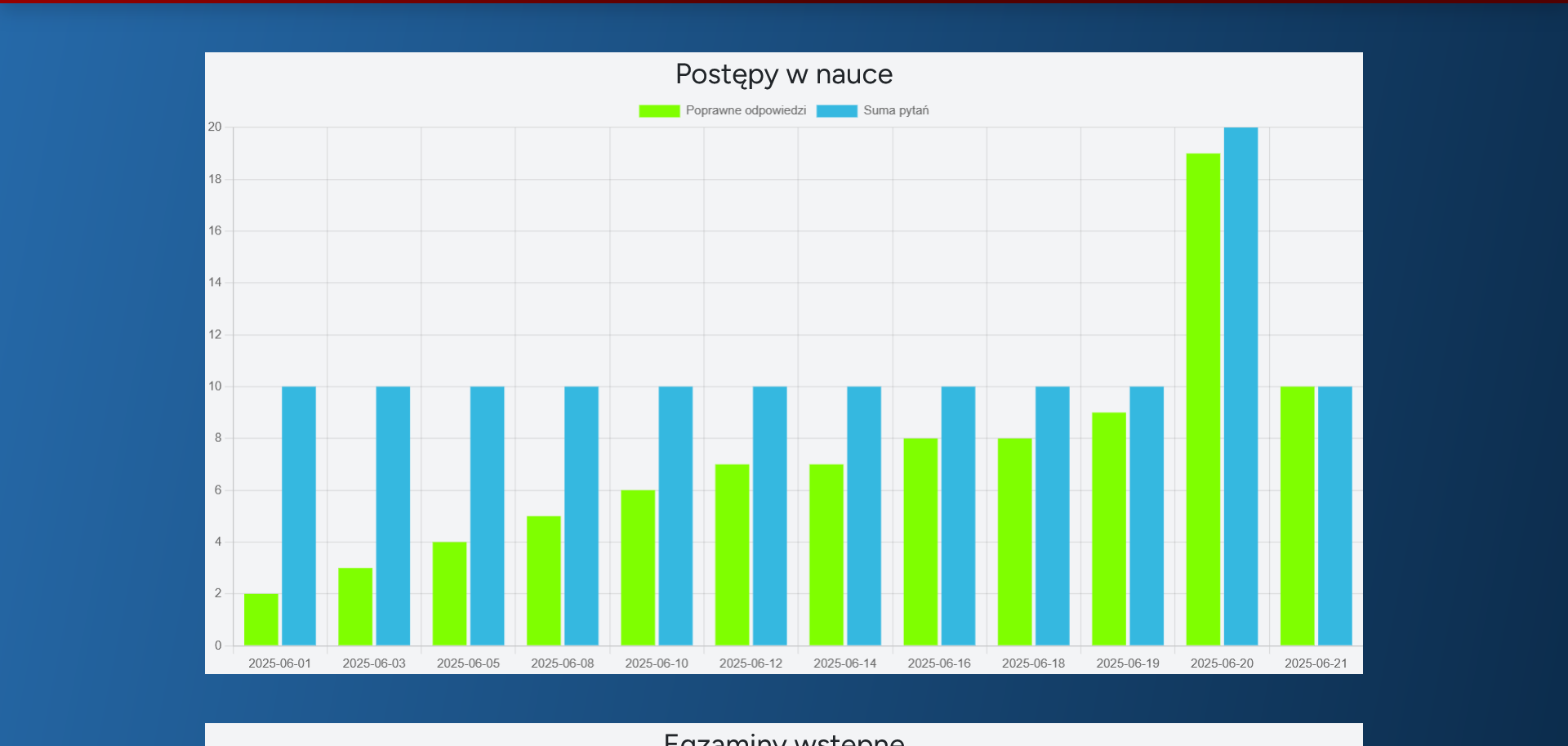
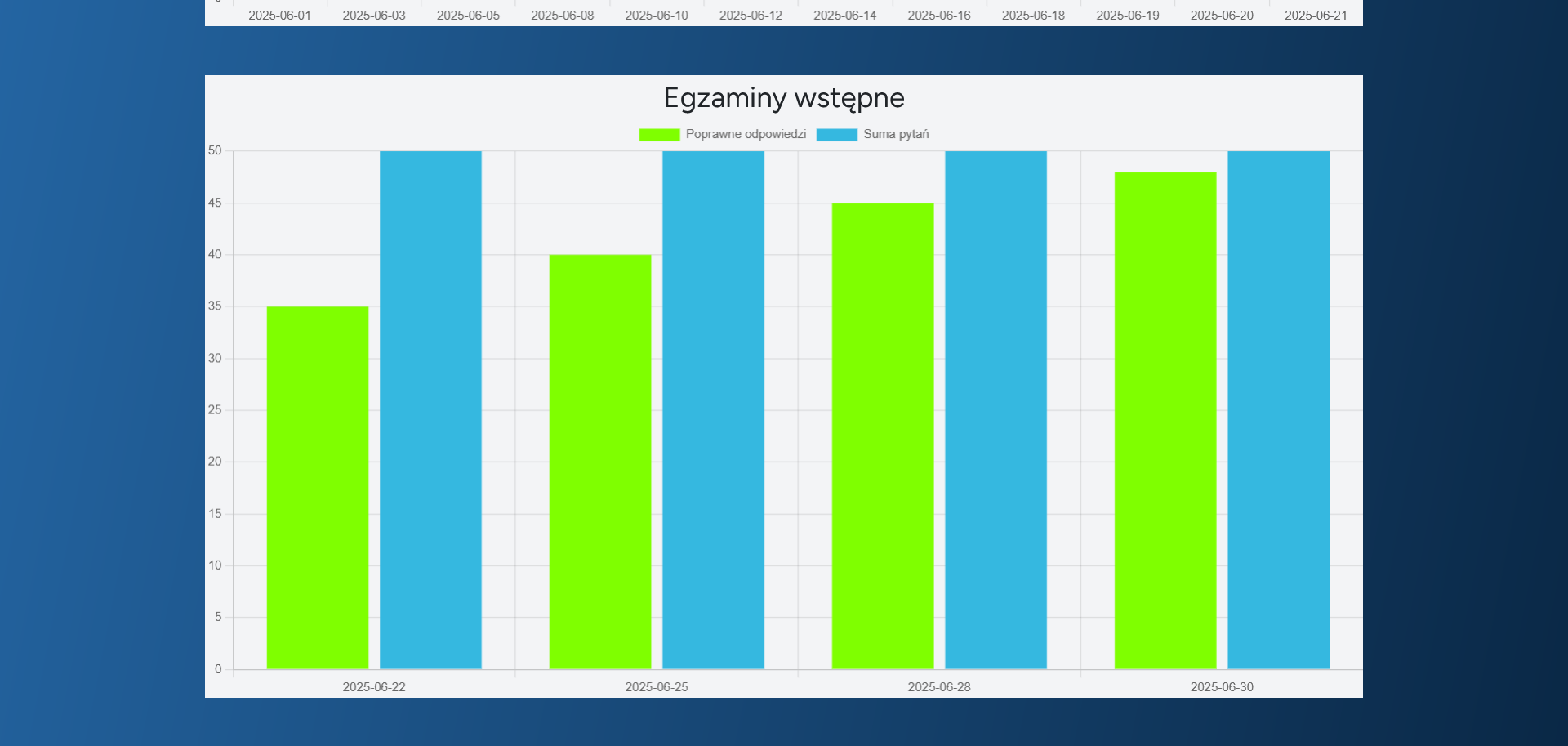
In case you don't manage to answer all the questions and the exam time of 35 minutes passes, you will be automatically transferred to the summary. The summary ends the exam and saves the result in the database, but you can still go back to the previous questions, but with blocked and displayed instructions, just as it was during nouki. The user can view the progress of learning as well as exams in "Statistics".
For exercises and exams there are separate charts made from the results stored in the nadych database.